Image to video
Wan 3.0 Prime image to video
Upload one start image, describe the motion, and get a 5- or 10-second clip that begins from your picture, at 720p or 1080p. A 5-second 720p clip costs 175 credits, shown before you generate.
- One start image
- JPG, PNG or WebP
- Up to 10 MB
- 5 or 10 s
- From 175 credits
JPG, PNG or WebP, up to 10 MB
Checking that generation is available.
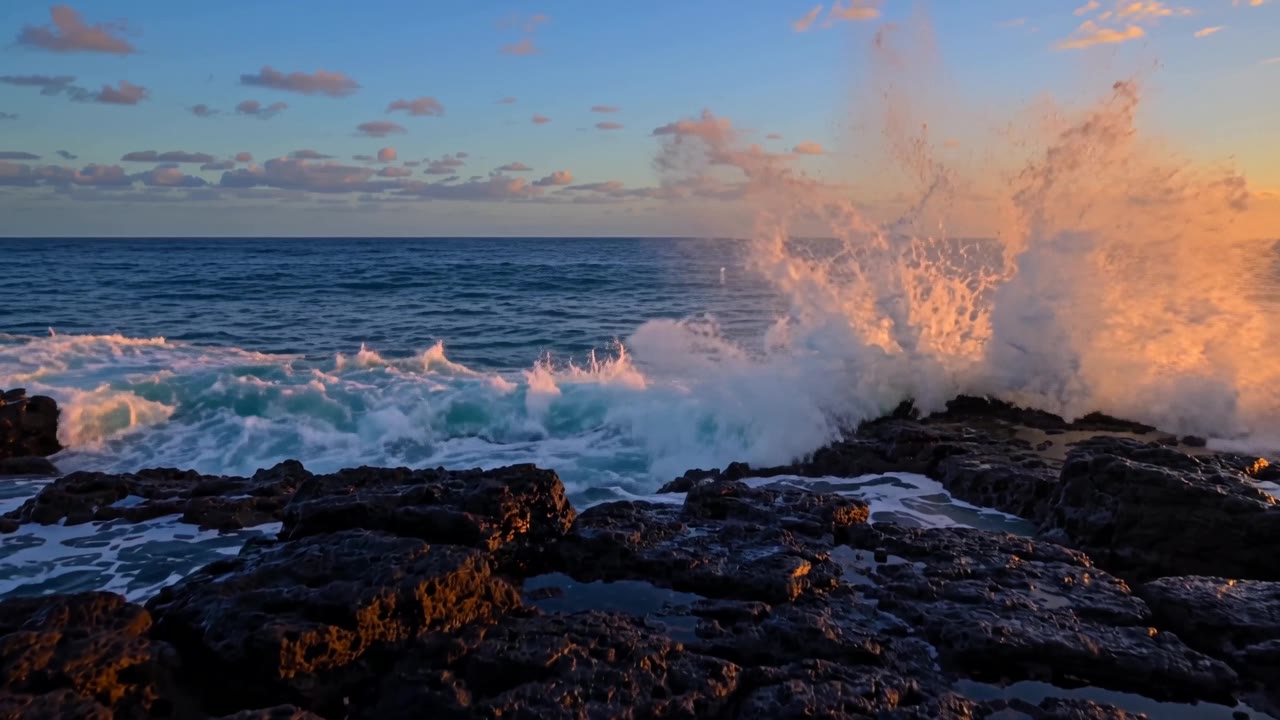
Surf on volcanic rock at dusk5s · 16:9 · 720p2026-09-27
01
How does Wan 3.0 Prime image to video work?
You upload one start image and describe the motion you want. Wan 3.0 Prime uses the image as the first frame and generates a 5- or 10-second clip from it at 720p or 1080p, with sound unless you switch it off. A 5-second 720p clip costs 175 credits. At the API the model also accepts a first and last frame and reference media; this site offers the single start image only.
- Input
- One start image
- Formats
- JPG, PNG or WebP
- File size
- Up to 10 MB
- Price
- From 175 credits
02
How to turn an image into a video here
Upload a start image
Choose one JPG, PNG or WebP file of up to 10 MB. It becomes the first frame of the clip.
Describe the motion
Say what should move, how the camera moves and what you want to hear, in up to 2,000 characters. You do not need to describe what is already in the picture.
Pick the settings and read the quote
Choose 5 or 10 seconds, 720p or 1080p, a shape (16:9, 9:16 or 1:1), and sound on or off. The credit cost is shown before you generate.
Generate and download
Play the result and download the MP4. The clip stays in My videos, private to your account. If the job fails, the credits come back automatically.
03
What makes a good start image and motion prompt
The start image sets the first frame, so it decides the subject, the framing and the light. The prompt only has to say what happens next. Every recorded clip on this site was made from a text prompt, so the notes below are general practice for start-image models, not results we measured with Wan 3.0 Prime.
For the image:
- Sharp and well lit. The clip begins from this frame, so blur and noise in the image are in the video from the start.
- The shape you want. Pick 16:9, 9:16 or 1:1 to match the image. We have not tested what the model does with an image whose shape differs from the setting.
- Room to move. If the subject should walk or turn, or the camera should circle it, leave space around it in the frame.
- No small lettering. Alibaba says on-screen text rendering accuracy is “still improving,” so do not count on labels or signs staying legible.
- Yours to use. No real people’s likeness without consent, no adult content, no copyrighted characters or logos.
For the prompt, describe three things:
- What moves. “Steam rises from the cup and the curtain sways.”
- How the camera moves. One move per clip: a slow push-in, an orbit, a tilt.
- What you hear. Name the sound. In three of our four text-to-video clips the model added music instead of the sound effects the prompt named.
One caution from our own clips: in the glassblower shot, the worker’s face and hair change partway through. We have not tested whether a start image keeps a face steadier. If a face matters, plan for more than one attempt. Each finished clip is charged.
04
Image-to-video specs
What this site accepts, next to what the model accepts at the API.
- Start image on this site
- One image: JPG, PNG or WebP, up to 10 MB
- Output on this site
- 5 or 10 seconds; 720p or 1080p; 16:9, 9:16 or 1:1Sound on or off at the same price.
- Price on this site
- 35 credits per second at 720p, 70 at 1080pA 5-second 720p clip is 175 credits.
- Image inputs at the API
- First frame, or first + last frameFirst + last frame is not offered here.Source: fal.ai API reference
- Reference inputs at the API
- Up to 10 reference images; up to 5 reference videos, at most 15 seconds in total; up to 5 reference audio clips, at most 15 seconds in totalReference-to-video is not offered here.Source: fal.ai API reference
- Output at the API
- 2–30 seconds; 480p, 720p or 1080pThis site offers 5 or 10 seconds at 720p or 1080p.Source: fal.ai API reference
- API list price
- $0.14 per second at 720p, $0.28 at 1080pSource: Alibaba Cloud Model Studio
Last checked 2026-10-03
05
Image to video questions
What image can I upload for Wan 3.0 Prime image to video?
One start image in JPG, PNG or WebP format, up to 10 MB. It is used as the first frame of the clip.
Can I set a first and a last frame?
Not here. At the API, Wan 3.0 Prime accepts a first and last frame, but this site takes one start image only.
Can I use reference images, videos or audio?
Not here. At the API the model has a reference-to-video mode that takes up to 10 reference images, up to 5 reference videos (at most 15 seconds in total) and up to 5 reference audio clips (at most 15 seconds in total). This site does not offer that mode.
How much does image to video cost?
The same as text-to-video here: 35 credits per second at 720p and 70 credits per second at 1080p. A 5-second 720p clip is 175 credits and a 10-second 1080p clip is 700. The exact figure is shown before you generate.
Are the example clips on this site image-to-video?
No. All four recorded clips were made from text prompts. We have not published an image-to-video example, so judge this mode by your own first clip.
Can I upload a photo of a real person?
Only with that person’s consent. The content rules here do not allow real people’s likeness without consent, adult content, or copyrighted characters and logos. The provider also runs a safety filter that can refuse a job. A refused job is refunded.
Turn an image into a Wan 3.0 Prime clip
Upload one start image in the generator and describe the motion. A 5-second 720p clip costs 175 credits, shown before you generate.